Tip of the Month: Customize Layouts and Views in OptosAdvance™
Every clinician has a preferred way of reviewing patient images. Whether you are comparing historical exams, reviewing multiple imaging modalities, or focusing on a specific clinical detail, having the right information visible at the right time can make image review more efficient.
That is why OptosAdvance offers customizable layouts and views, allowing users to tailor the image viewing experience to fit their workflow.
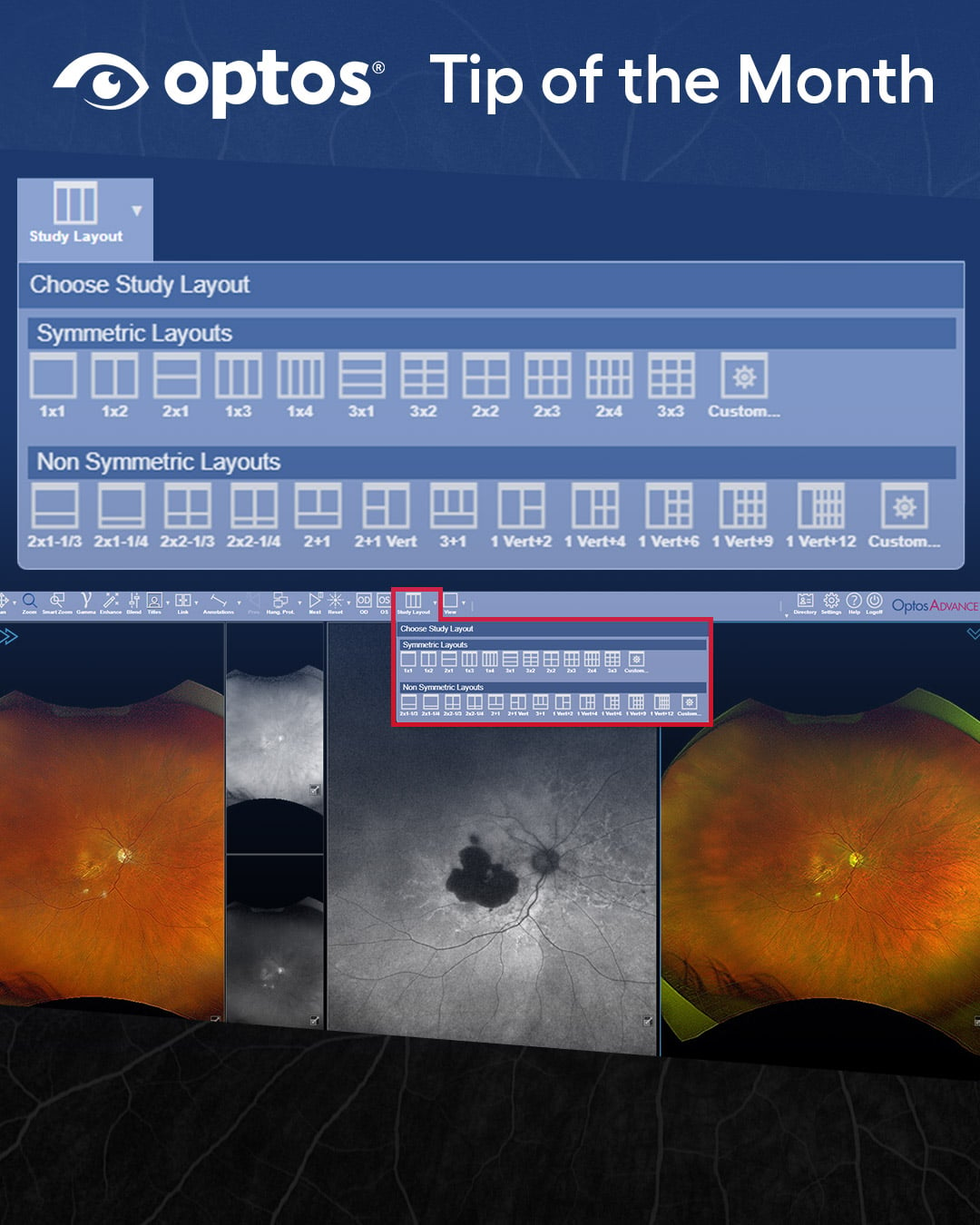
Compare More, All at Once
By applying different study layouts, the image viewing area can be divided into multiple viewports, enabling side-by-side comparison of images from the same study or from different dates of service. This makes it easier to evaluate progression over time, compare findings across visits, and review available imaging data without opening separate studies.
For example, you can:
- Compare current and multiple prior patient studies
- View multiple modalities simultaneously
- Evaluate images from different visits side by side
Tailor Views to the Clinical Scenario
In addition to customizing layouts, OptosAdvance allows users to apply different viewing configurations within each viewport. Depending on your device configuration and imaging modalities, available views can be applied to individual viewports or across the entire screen.
This flexibility allows clinicians to focus on the imaging information most relevant to the patient and clinical task at hand.
Work the Way You Want to Work
Small workflow improvements can make a meaningful difference throughout the day. By taking advantage of customized layouts and views, users can create a workspace that supports efficient image review and quick access to the information they need most.
Whether you're reviewing a single study or comparing multiple exams over time, OptosAdvance gives you the flexibility to configure your viewing environment to match your clinical workflow.
Learn How
Ready to customize your viewing experience?
View the step-by-step guide: Changing Layouts and Views in OptosAdvance